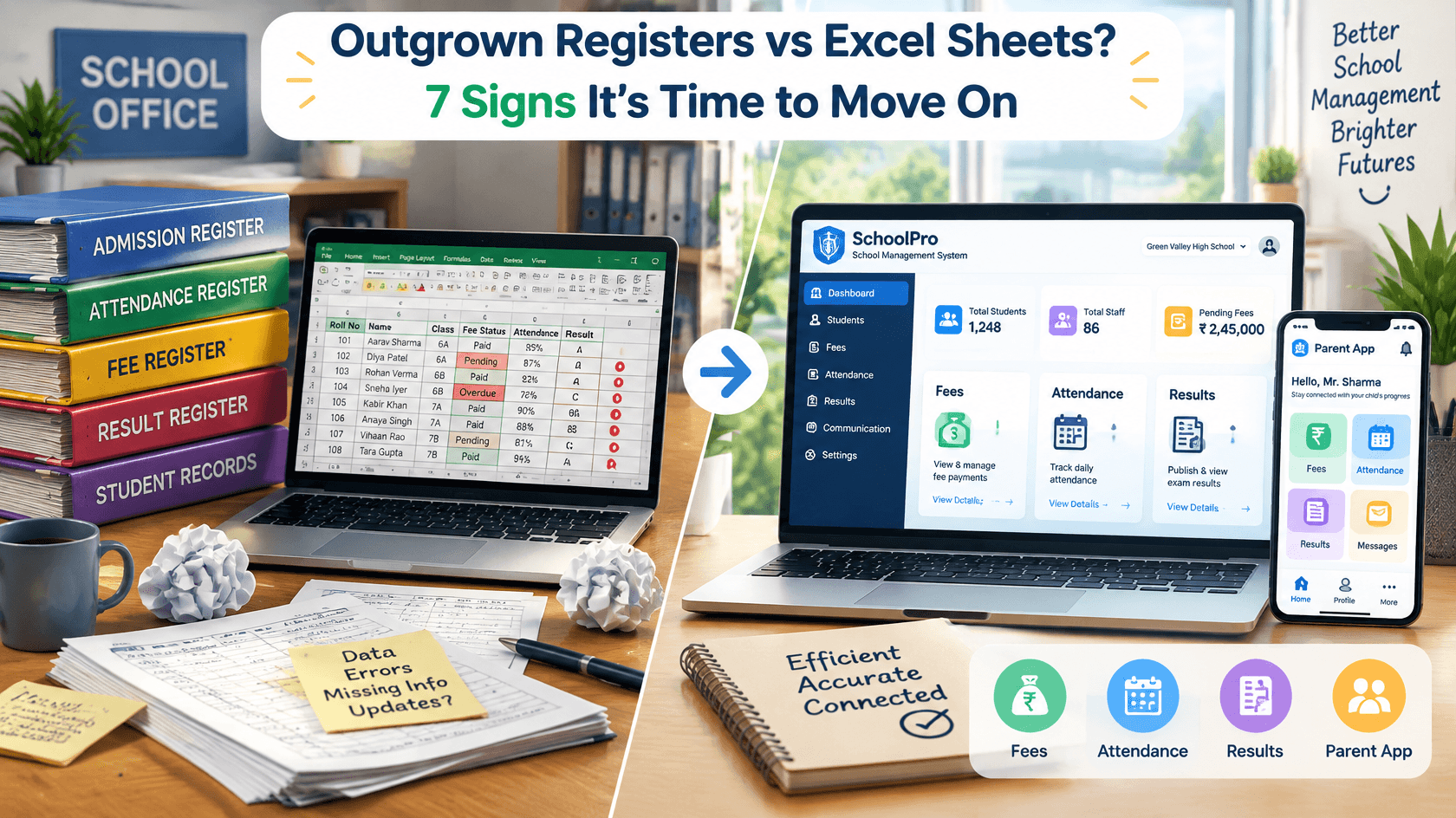
Outgrown Registers vs Excel Sheets? 7 Signs It’s Time to Move On
Every school starts the same way. A register for admissions, another for attendance, and an Excel sheet or two for fees and marks. When the school is small, this works fine.
But as student numbers grow, the register vs Excel sheet debate stops being useful. The real question becomes: has your school outgrown both?
Here is a quick look at where each one breaks down, followed by seven signs your school has outgrown registers and Excel sheets.
Register vs Excel Sheet: Where Each Falls Short
Registers are simple and need no training. But they can’t be searched, can’t be backed up, and one lost or damaged book means lost records. Totals are added by hand, so errors creep in.
Excel sheets are faster and can calculate. But they depend on whoever built them. Formulas break, files get duplicated, and everyone ends up working on a different version.
Both rely on people copying the same information again and again. That is the real problem, and it only gets worse as the school grows.
7 Signs Your School Has Outgrown Registers and Excel Sheets
1. Student records are scattered everywhere
Admission details are in a register, fees in an Excel file, marks in another sheet, and phone numbers in a WhatsApp group. When a parent asks for a certificate, someone has to dig through three places.
Warning signs: duplicate entries, outdated contact numbers, missing documents, and no single reliable record per student.
What a digital system changes: each student gets one profile with admission details, documents, attendance, fees, and results in one place.
2. Fee collection and follow-ups take too much effort
Handwritten receipts, mismatched ledgers, and endless calls to chase pending dues eat up hours every week. Reconciling the cash book with the fee register at month end turns into a project.
Warning signs: receipts that don’t match records, disputes over what was paid, and no quick way to see who has pending dues.
What a digital system changes: receipts are generated automatically, parents can pay online, reminders go out on their own, and defaulter lists take seconds.
3. Attendance eats into teaching time
Teachers spend the first minutes of every class marking and counting. Then the office consolidates the data, and parents hear about an absence long after the day is over.
Warning signs: late consolidation, errors in monthly totals, and no instant way to inform parents.
What a digital system changes: attendance takes a few taps, totals are automatic, and parents can be notified the same day.
4. Results are slow and error-prone
Marks go into spreadsheets, a formula breaks, one wrong cell reference changes a grade, and report cards are delayed while someone cross-checks everything.
Warning signs: formula mistakes, corrections after report cards are printed, and long waits before results are ready.
What a digital system changes: marks are entered once, grades and totals are calculated automatically, and report cards come out in your school’s format.
5. Parents keep calling for basic updates
“Has the fee been received?” “Was my child present today?” “When are the results out?” If your front office hears these all day, your team is doing work a system should be doing.
Warning signs: constant calls and visits for routine information, and parents who feel kept in the dark.
What a digital system changes: a parent app or portal lets families check attendance, fees, results, and announcements on their own phone.
6. Getting a simple report takes hours
When the principal asks, “How many admissions do we have this year?”, does someone spend half a day pulling numbers from different sheets? Slow data means slow decisions.
Warning signs: reports that are always late, and numbers that differ depending on who prepared them.
What a digital system changes: dashboards show fees, attendance, and admissions at a glance, and reports are available on demand.
7. Your data is insecure or depends on one person
Student data on one computer, files shared over WhatsApp, no backups, and “only one person knows how this sheet works.” If that computer fails or that person leaves, years of records could be lost.
Warning signs: no regular backups, anyone can edit any file, and key knowledge sits with one employee.
What a digital system changes: data is stored securely with regular backups, and access is role-based, so a teacher sees only what a teacher needs.
Quick Self-Check: Have You Outgrown Registers and Excel Sheets?
Answer yes or no:
Do you keep student information in more than one place?
Does fee reconciliation take days instead of minutes?
Does attendance paperwork take up significant staff time?
Are report cards often delayed or corrected after printing?
Do parents regularly call for routine updates?
Does pulling a simple report take hours?
Would you struggle if your main computer or key staff member became unavailable?
Three or more yes answers? Your school has likely outgrown registers and Excel sheets.
Registers vs Excel Sheets vs a Digital System
Task | Registers | Excel Sheets | Digital System |
|---|
Student records | Handwritten, hard to search | Scattered files, duplicates | One profile per student |
Fee collection | Manual receipts | Manual tracking, mismatches | Auto receipts, online payments |
Attendance | Paper, hand-counted | Typed in later | Quick marking, instant reports |
Results | Hand calculation | Formula errors | Automated report cards |
Parent updates | Calls and visits | Calls and messages | Parent app or portal |
Reports | Hours of compiling | Hours of compiling | Real-time dashboards |
Data safety | One copy, can be lost | One computer, no access control | Backups and role-based access |
What to Look for When You Move On
Before choosing a replacement, make sure it has:
The core modules you need: admissions, attendance, fees, exams, and communication
A parent app or portal
Easy use for non-technical staff
Secure data, backups, and role-based access
Training and support in the first few months
Support for your board’s formats (CBSE, ICSE, or State Board)
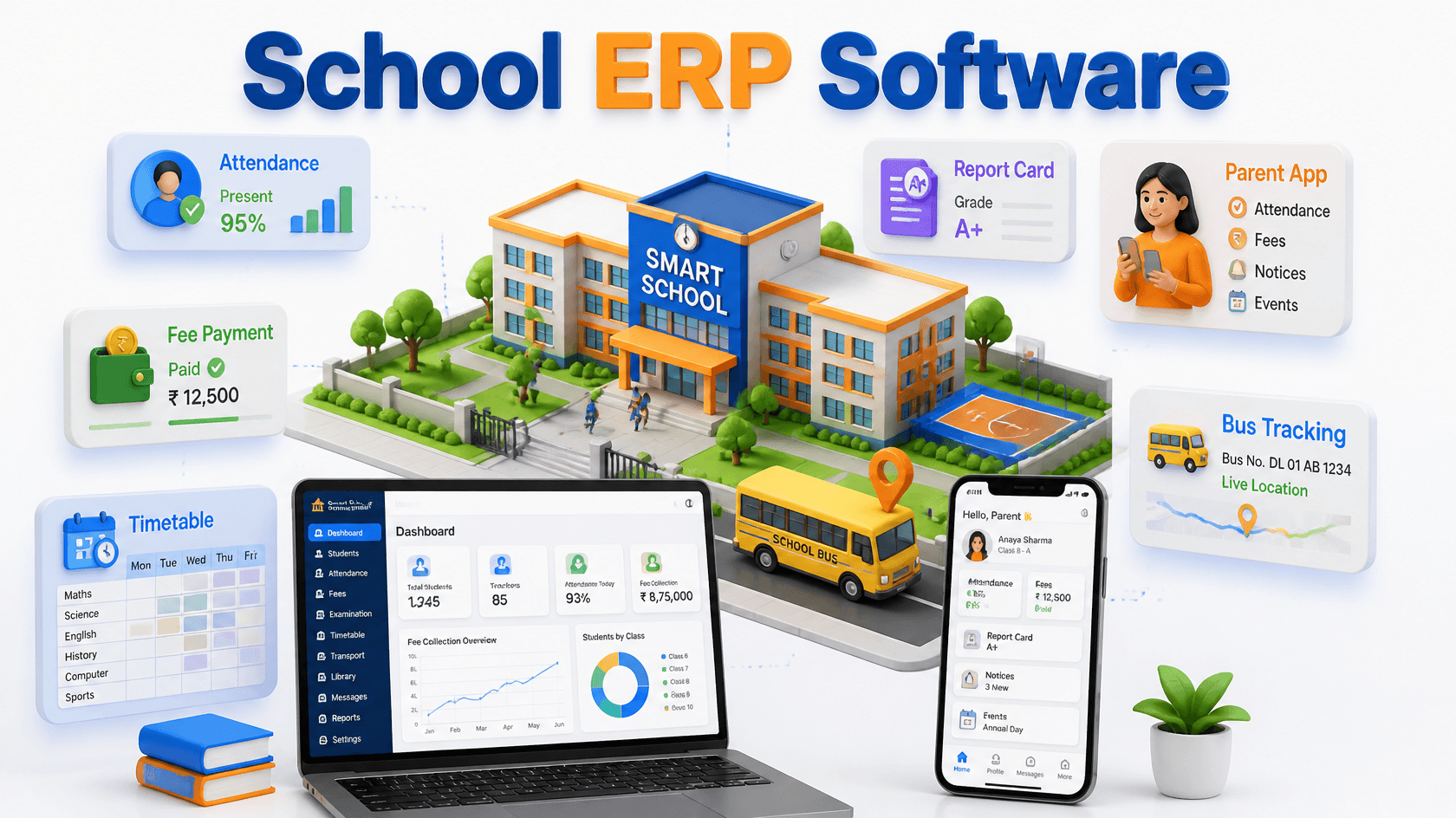
For a deeper breakdown of modules and how to compare options, read our guide: School ERP Software in India: What It Is, Key Modules & How to Choose the Right One.
How to Make the Switch Smoothly
Moving off registers and Excel doesn’t have to disrupt the school year.
Audit your current process. List what you track today and where the biggest delays are.
Import your existing data. Student lists, fee structures, and class details can be moved over.
Train your staff. A short hands-on session builds confidence quickly.
Run both systems briefly. Use the new system alongside the old one, then retire the registers once everyone is comfortable.
Frequently Asked Questions
Is a register or an Excel sheet better for school records?
Excel is faster and calculates totals, while registers are simpler but can’t be searched or backed up. Neither is built to handle growing admissions, fees, and parent communication, which is why many schools outgrow both.
How do I know if my school has outgrown registers and Excel sheets?
If you see repeated errors, delays in fees or results, or staff spending more time on paperwork than on students, you’ve likely outgrown them. Three or more signs from this article is a clear signal.
Can we move our existing data from Excel into a new system?
Yes. Most providers can import data from Excel, so you don’t need to re-enter everything by hand. Ask about data migration before you sign up.
Is it hard for teachers to learn a digital system?
A well-designed system is built for non-technical users. Attendance and marks entry are simple, and most providers offer training.
Is student data safer in a digital system than in Excel?
Usually, yes. A reputable system uses secure hosting, regular backups, and role-based access, which is safer than a single office computer or files shared over messaging apps.